What a Product Photo Supplies to the Launch Cut

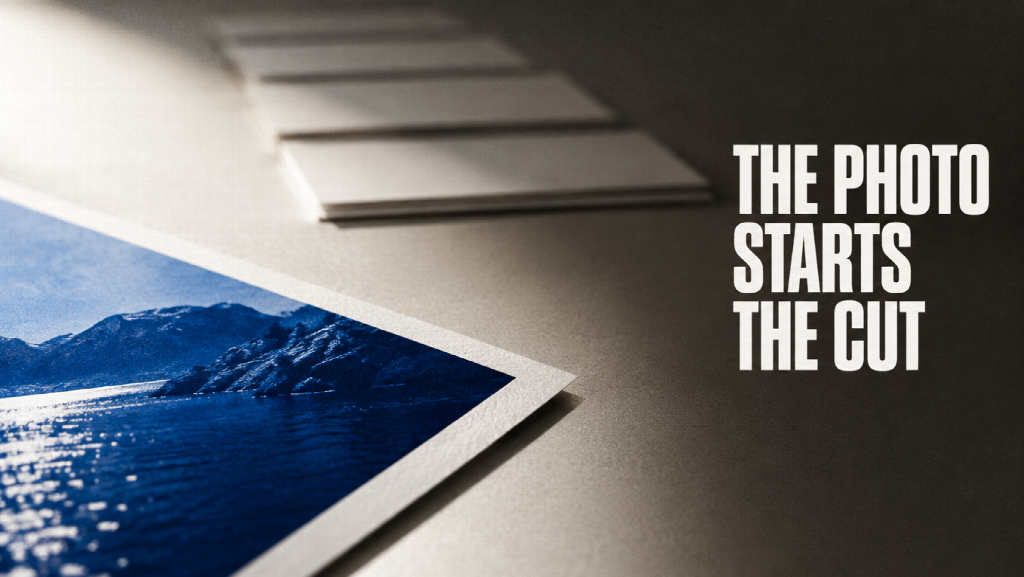
A finished product photo is a still. The launch usually needs a short video after it: the screen, the feature, the line a buyer should remember. An image editor changes the still. It does not build that video. The next job takes the photo as a reference and makes a new sequence. The photo does not have to survive pixel for pixel, and the video is not the photograph.
The workspace around the still
Topview is the workspace for that handoff. You describe the idea, or you add a script, a reference video, or the product URL. It plans scenes, selects models, generates assets, and keeps the shots editable on Canvas. An image made in the same workspace can feed the video. A product photo you already have can sit in the mix with a prompt, a URL, or a clip.
The product URL becomes a marketing video. It does not publish the product page, and it does not update the listing. The homepage says the Canvas helps keep voice, characters, and visual identity consistent across multi-shot videos. That is the page’s claim about a project you are building. It is not a score from a side-by-side edit of ten photo apps. If the label on the packet has to be exact, keep the photograph for that job and check the frames before you post.
The launch cut that uses the photo
Motion Studio is the guided workflow for the launch video itself. It starts from the product story, not from one isolated shot. You write what the product is, who it is for, the message people should remember, and the features or moments that belong in the story. You upload product photos, interface screenshots, dashboards, logos, or other brand assets. The files can be JPG, JPEG, PNG, or WEBP, up to 15MB each. Those images guide interfaces, brand cues, and product moments. The page says they do not guarantee a perfect match. Generated frames can vary. Someone has to review them before the video is used.
You also choose a curated motion style. That choice guides animation, pacing, typography, transitions, texture, lighting, and atmosphere. You set a length from 4 to 60 seconds, and one of six frames: 21:9, 16:9, 4:3, 1:1, 3:4, or 9:16. A 16:9 cut can sit on a product page or in a deck. A 9:16 cut is the vertical placement. A 1:1 cut can sit in a feed.
What you submit goes to Canvas. An AI agent and a motion design skill use the brief, the references, the style, the length, and the frame to organize a connected launch video. The sequence can move through a reveal, the benefits, the product moments, and a closing message. The page describes that as a full launch story. A generic generator, on the same page, is an individual shot from a prompt.
The page sets the cost and the wait next to an After Effects production. It says a product-focused motion video is about 3 US dollars, where a custom After Effects job can run into the thousands, and that a first result can come back in around 10 minutes, where a traditional production can take weeks or months. Those figures are printed on the page. This article did not time a render or pay an invoice.
Motion Studio does not build an After Effects timeline, and it does not return an editable After Effects project. It is a guided workflow for product, marketing, brand, and design teams, and for founders shipping a SaaS product, an app, an AI tool, enterprise software, or a fintech product. It does not stand in for every studio process. It is not a photo editor. Cropping, retouching, and a one-click sky replacement stay in an image tool. This workflow starts when the stills you are allowed to show are already in hand.
What you hand it
| What you bring | What the launch page does with it |
| The product, the audience, and the line to remember | Opens the story |
| Photos, screens, dashboards, logos | Guides the product details |
| A motion style | Sets pacing, type, transitions, light |
| 4 to 60 seconds | Sets the length of this cut |
| One of six frames | Matches the place the video will play |
Leave out a screenshot of a product you do not ship, and leave out a photograph you do not have the right to use. If the interface in the file is an old build, the video can show a button you no longer have. The person who knows the feature checks the screens and the closing line.
See also: Protecting clients without disrupting their life
A short start
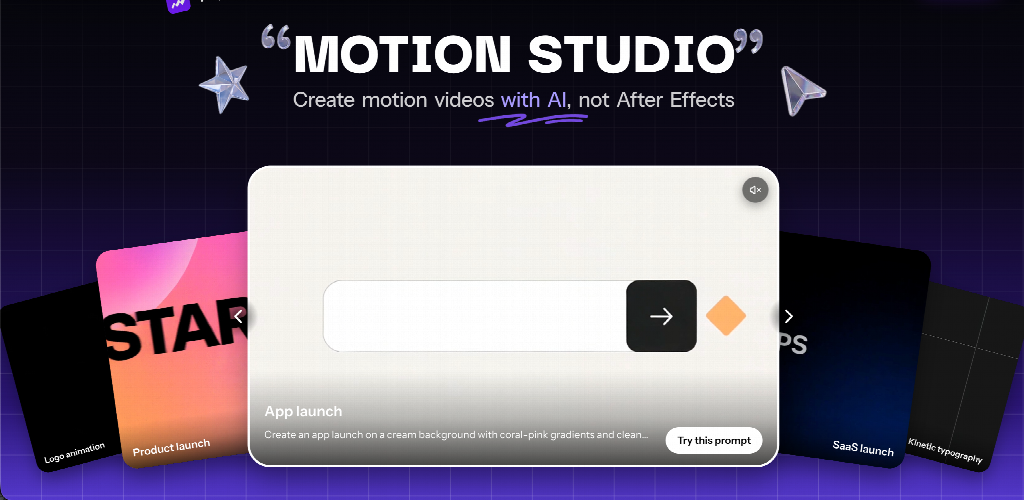
Write the product, who it is for, and the line they should remember. Add the photos and screens you may show. Pick the style, the seconds, and the frame. Submit that to Canvas and watch the connected cut. If a label, a menu, or the last line is wrong, the launch is not ready. Another pass still needs the same review. The photograph remains the record of the product. The video is the announcement built from it.